A faster WordPress. No work, no risk.
Static files of WordPress core, popular plugins and themes are loaded from WEDOS Global CDN, not from your server. All it takes is a plugin, the rest happens automatically.
WordPress CDN is now available to Hosting WP and SODEW customers in the Hosting WP | Faster CDN plugin.
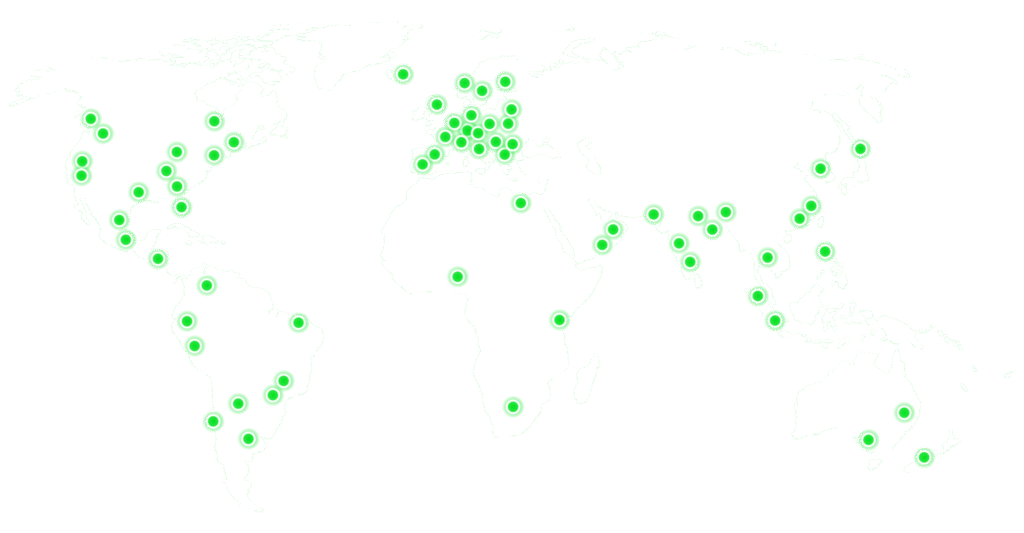


Why WordPress CDN
Every WordPress page loads dozens of files: jQuery, block styles, scripts from WooCommerce, Elementor or your theme. Your hosting doesn’t have to serve them.

Faster loading
Files come from the nearest CDN node, compressed with gzip. The browser caches them for a year and doesn’t ask for them again.

Less load on your server
Your hosting serves mainly the pages themselves. Static files, often the majority of requests, bypass it.

Nothing breaks
Only files that match the original from wordpress.org go to the CDN. Modified, unsupported or unverified files keep loading from your site.

No configuration
No URL rewriting, no rules. The plugin itself recognises what the CDN can serve and adjusts the links on the page accordingly.
Always up to date
New versions of core, plugins and themes appear on the CDN within an hour of their release on wordpress.org. Older versions stay available.

European infrastructure
Operated by WEDOS on its own WEDOS Global CDN and WEDOS Global Protection infrastructure.
How it works
-
We prepare the files
Every hour we download new versions of supported items from wordpress.org and pick out only the static files (JS, CSS, images, fonts).
-
We verify them
For each version we store fingerprints of all files. Files that might not work outside your site are excluded.
-
The plugin compares
The Hosting WP | Faster CDN plugin on your site compares the installed versions and files with what is on the CDN.
-
Links point to the CDN
Matching files load from the CDN. Everything else stays on your site, unchanged.
What the CDN supports
We picked the most widely used plugins and themes from wordpress.org. For each item we keep all versions of the last three major releases (five for Elementor).
WordPress
- WordPress core 6.7 – 7.1 and newer
Plugins
- WooCommerce
- Elementor
- Gutenberg
- Contact Form 7
- WPForms Lite
- Rank Math SEO
- Jetpack
- Spectra
- Spectra Blocks
- Kadence Blocks
- Otter Blocks
- Essential Addons for Elementor
- ElementsKit Lite
- Ultimate Addons for Elementor
- Fluent Forms
- SureForms
- LatePoint
- Complianz GDPR
- CookieYes
- Cookie Notice
- Smush
- WP Statistics
- MonsterInsights
- Smash Balloon Instagram Feed
- Responsive Lightbox & Gallery
- Podcast Subscribe Buttons
Themes
- Astra
- Hello Elementor
- Kadence
- GeneratePress
- OceanWP
- Neve
- Blocksy
- Mesmerize
- Twenty Twenty-Five
- Twenty Twenty-Four
- Twenty Twenty-Three
- Twenty Twenty-Two
- Twenty Twenty-One
- Twenty Seventeen
We keep extending the list based on what our customers’ websites actually use. Premium plugins and themes from outside wordpress.org can’t be supported.
Security and reliability
- Only public files from the official wordpress.org repository. No code from your site is sent anywhere.
- Every file has a SHA-256 fingerprint; a modified file is never redirected to the CDN.
- Static files only, no PHP and no data.
- CSS with links that wouldn’t work outside your site automatically stays on your site.
- Each version of a plugin or theme has its own files on the CDN, so an update never affects a site running an older version.
- Long-term caching in the browser and on the CDN: repeat visits don’t download the files again.
- gzip prepared in advance, with no delay on each request.
- WEDOS Global CDN and WEDOS Global Protection stand in front of the origin server.
Frequently asked questions
Do I need to configure anything on my site?
No. Once you install and activate the plugin, your site connects to the CDN on its own shortly afterwards. Nothing is rewritten by hand.
What if I use a plugin or theme the CDN doesn’t support?
Its files keep loading from your site as before. The CDN speeds up only what it knows and doesn’t affect anything else.
What if I modified a plugin or theme file?
A modified file has a different fingerprint than the original, so it keeps loading from your site. Your changes keep working.
I updated a plugin. When will the new version load from the CDN?
New versions from wordpress.org appear on the CDN within an hour. Until then the files load from your site, so nothing goes missing.
Does it affect SEO or cache plugins?
Only the addresses of static files change; page content stays the same. If a cache plugin combines files into its own bundles, those stay on your site.